
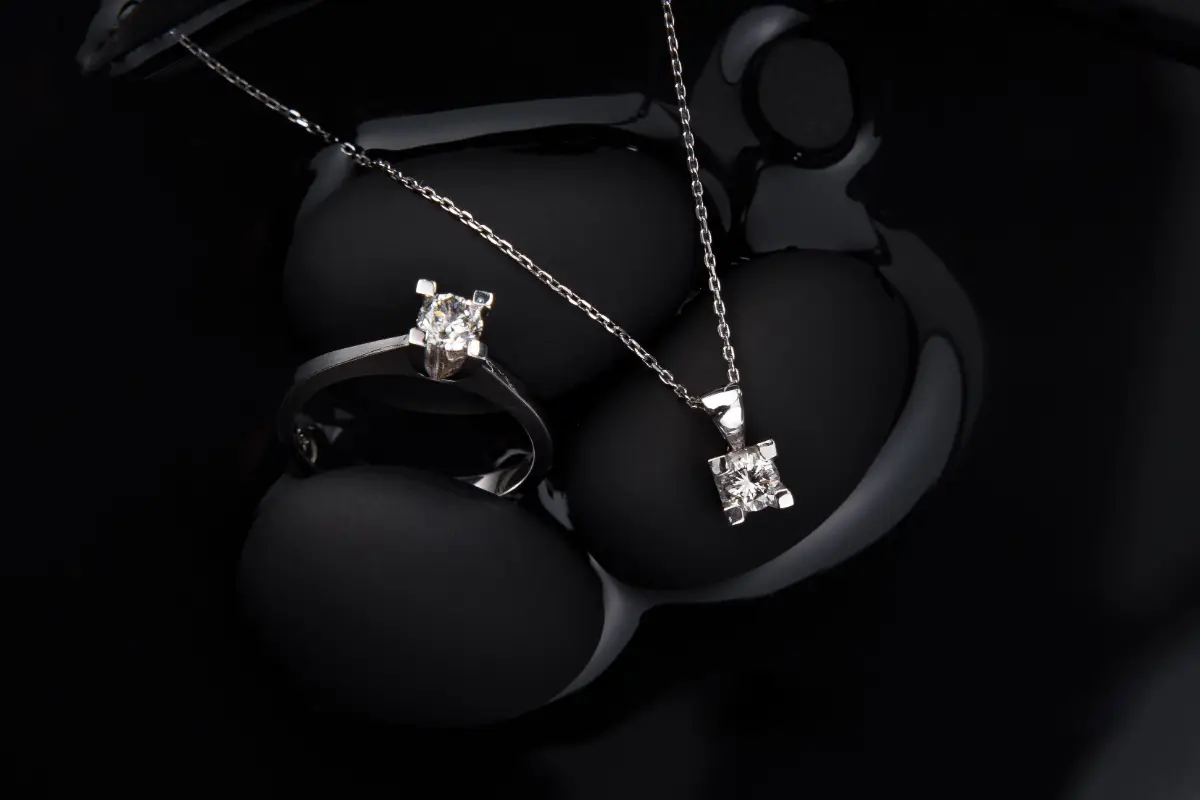
Running a YouTube channel with a jewelry business is not a hard job anymore. There was a time when small creators were worried about how to arrange all the equipment, tools, software, and own a studio to make one good clip worth uploading. Now there are AI video tools, and they can generate such clips within minutes, all with one good prompt. Higgsfield AI jewelry review will let you know if it holds up on details.
For jewelers, it is about details when they want to take the right shot! Higgsfield claims it gives Soul 2.0 its own photo model that is fashion-aware. And if you want your item to appear similar across a series of clips, here you have Soul ID, which ensures the character is the same from the beginning till the end of the video. While there are a lot of advantages to this AI video tool, there are a few limitations also that you might want to learn about before you subscribe to any of their plans.
Facts last checked: October 18, 2026.
This article uses published information and was not based on hands-on use of Higgsfield. Plans and features change, so check Higgsfield’s official page. Compare every AI image with the real piece before you use it in a listing.
What is Higgsfield AI?
Higgsfield is a website with an AI tool that makes pictures and videos. When you use it, you type some words or add a photo. The computer reads them and then makes something new. This review uses only public information, which means facts that anyone can read on the internet.
The words you type are called a prompt, which is a small order for the computer. For example, you can write a gold ring with a blue stone. Then the computer makes a picture of that ring. It changes often, so please read the Higgsfield website for the latest information.
What can Higgsfield make for jewelry sellers?
The Higgsfield website says the tool can make pictures of jewelry and short videos of products. But these words come from the company. Companies usually say good things about themselves, so the words are not proof. What is proof? Proof means facts from other people. The results are available for you to see yourself.
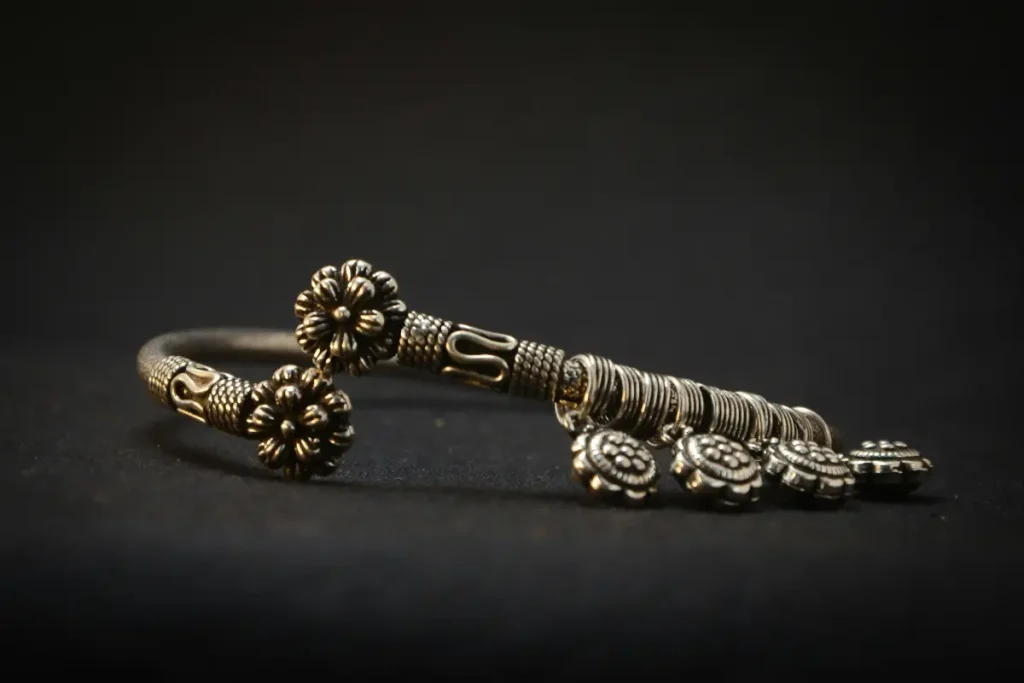
Next, think about how a seller can use these things. Sellers are people who sell things. In an online shop, the product photo is the main picture of a thing. Customers look at it first. These are people who want to buy. Product videos are small moving pictures of the jewelry. They show the jewelry from different sides. Both can save time, but both must show the true jewelry.
How does Higgsfield handle jewelry details?
In fact, each detail is a small part that makes up a thing. For jewelry, details can include the stones, the metal, and the shape. There are many details that AI tools often find hard. One way to know how good Higgsfield is with them is to look. Check each picture yourself. This way, small mistakes can be easy to miss.
Moreover, think of a person who draws a ring without looking at it. With this function, the drawing can have small mistakes. Furthermore, AI is like this person. Additionally, AI learns from very many pictures. Certainly, AI makes a new picture, but it does not look at your real ring.
The JenAI Chat guide is one way to name four common problems in AI jewelry pictures. Here, the JenAI Chat guide enables you to focus on the stone setting as one problem. This stone setting is the metal part that would complete the task of holding the stone.
During this time, the metal color can make gold and silver look the same. Next, you would focus on gems as the third problem. You can then see that gems are shiny stones, and they can look dull or flat. Additionally, the background can look plain. This way, you can read this guide on AI jewelry images to get ideas to fix these problems.
Which jewelry pieces are hardest for AI?
Surely, consider a test to try a tool and see the result. Of course, someone outside the company made a video test of Higgsfield. The video test shows that the tool was good with simple jewelry. The video test will show that the tool was weak with earrings that have many small parts. Moreover, the test is several months old, so it is only a hint.
A hint is a small sign that is easy to understand and manage your check. Thus, tools change fast, so an old test may not be true today. You will benefit from looking at your own jewelry and seeing the result. Throughout the check, think about three kinds of jewelry.
Definitely, rings have a small stone and a setting, and both must look right. Another kind of jewelry is chains, which have many small links. Use the chain to see that each link is a small ring. Then, these links can look different from the real chain. Next, use earrings to see that they come as a pair, and a pair means two. This way, you can see that both earrings must look the same.
What the Sources Say About Higgsfield for Jewelry
Many facts about Higgsfield come from the company itself. This table shows each fact and where it comes from, so you can decide how much to trust it.
| Question | What the sources say | Where it comes from |
|---|---|---|
| Can it make jewelry pictures? | Yes, according to the Higgsfield website. | The company’s own words |
| Can it make short product videos? | Yes, according to the Higgsfield website. | The company’s own words |
| How did it do with simple jewelry? | Good in one video test. | One outside video test, several months old |
| How did it do with earrings that have many small parts? | Weak in the same test. | The same outside video test, several months old |
| What problems do AI jewelry pictures often have? | Wrong stone settings, metals that look the same, dull or flat gems, and plain backgrounds. | The JenAI Chat guide on AI jewelry images (about AI tools in general) |
| Does it get small details right every time? | No tool can promise this, so compare each picture with the real piece. | Advice for any AI tool |
How do you check an AI jewelry image before you use it?
After this, the image is a picture for you. Throughout this process, put your real jewelry next to the picture and look at both. Additionally, study the stones, the setting, the metal color, and the small parts. Moreover, if the picture looks better than the real jewelry, do not use it. This way, customers want to get what they see.
Surely, consider going through the picture in small steps. Apply this method by holding the real jewelry next to the screen. Then, you can count the stones and see if they sit in the same places quickly. Certainly, look at the setting for each stone and at the metal color. Then, gold and silver can provide you with the same look in a picture, so be careful.
On a chain, count the links to help you stay on top of your jewelry check. For a ring, count the small metal claws to speed up your check. Finally, with earrings, make sure you see two that look the same. Consider a new picture or a real photo when something looks wrong.
How do jewelry videos and motion work in Higgsfield?
A jewelry video is a short moving picture of jewelry, such as a slow turn. People can also call it a clip. Remember that, as the Higgsfield website says, the tool can make short product videos. Videos will allow you to see many sides of the jewelry, so small mistakes are easier to see. Focus on every video slowly, and watch it two or three times.
This is a simple reason sellers like video. Even if one picture shows only one side, a video shows more sides. Customers will see the shine and the shape better, even in the smallest video.
Sometimes a stone can change shape during the video. That can make customers unsure. Follow the stones, the chain and the earrings until the end. So read about these AI jewelry animation tools that turn a product photo into a moving clip.
Who should use Higgsfield for jewelry and who should skip it?
A lot of people perceive Higgsfield as good for a small shop owner. This can involve people who design jewelry using it to show an idea. When it comes to very expensive jewelry or jewelry with many small parts, it may not be good. But it is incredibly important that those buyers want exact photos. If you are not sure, trying one simple piece first can be a big help.
Owners of small shops often need many pictures fast, and it is better to send over something that is good enough. For simple jewelry, a tool like this can save time on the tasks that actually require your attention. Designers make new ideas for pieces because they can do their job well. They can show the idea in a picture before making the piece; this is how collaborative work environments operate.
Very expensive jewelry is different, and it will become worse than before. This is a strange phrase, but it essentially means that its customers pay for exact details, so real photos are better. Real photos will almost make you feel as though you have already seen the true piece.
What are the drawbacks of using Higgsfield for jewelry?
A drawback is a problem. This also means the tool has three main drawbacks. Small details can be wrong. They will help you see that most information comes from the company when you return. Also, the tool changes often. These problems do not mean the tool is bad. They only mean you must be careful, so please read the Higgsfield website for the new facts.
For example, stones, chains and earrings can look different from the real jewelry in any AI picture. Most information is from the Higgsfield website, and these pages are the company’s own words. As a result, the video test in this article is several months old too. Today, something true can change next month, and this is important. Therefore, before you decide, it is most effective to read the Higgsfield website again.
FAQs: Higgsfield AI jewelry
Here are short answers to four common questions that can inform you.
Q1. Is Higgsfield good for jewelry product photos?
It is possible for the Higgsfield website to make pictures of jewelry quickly. Most of the time, small details can be wrong, so look at each picture next to the real jewelry.
Q2. Can Higgsfield make jewelry videos?
Yes, the Higgsfield website says it can make short product videos, and the video format yields more effective results. As the user watches each video slowly, mistakes are easier to see when the jewelry moves.
Q3. Does Higgsfield get small details right every time?
No tool can promise that, no matter how much you talk about it with the most convincing arguments. But it is better to study the stones, chains and earrings closely and compare the picture with the real jewelry first.
Q4. Can I use AI images in my shop listings?
More about a listing you can find here: a listing is the page for one product in an online shop, and each shop has its own rules. Read them first, and always show the real jewelry in a true way, because people better believe what they see.
Should you use Higgsfield for jewelry?
Yes, you can use Higgsfield for jewelry, but use it as a fast helper to attract attention, convey information, persuade, and sell. Look at every picture and video yourself, because viewing is effortless, so the user willingly engages in absorbing the content. It is easier to get a visitor interested with simple jewelry and quick ideas, where it works best. Yet it is weaker when exact details are very important. A well-informed person takes a balanced approach to buying, so every time, put each picture or video next to the real jewelry.
For example, if you own a small shop, start with one simple piece. By making videos and taking part in them, jewelry designers can use the tool to show an idea and position themselves as an expert. Sellers of very expensive jewelry may prefer real photos, and businesses can use video content in advertising.
Generative AI is the kind of AI that has a wide range of applications and makes new pictures and videos. Whichever tool you pick, it helps to know how generative AI works, because that makes it easier to spot where small details can go wrong. Above all, it does not matter that the text is pre-written; honesty with your customers matters most.

Haroon writes about AI chat tools and voice assistants. He covers how to get the most out of AI apps in your daily life.