
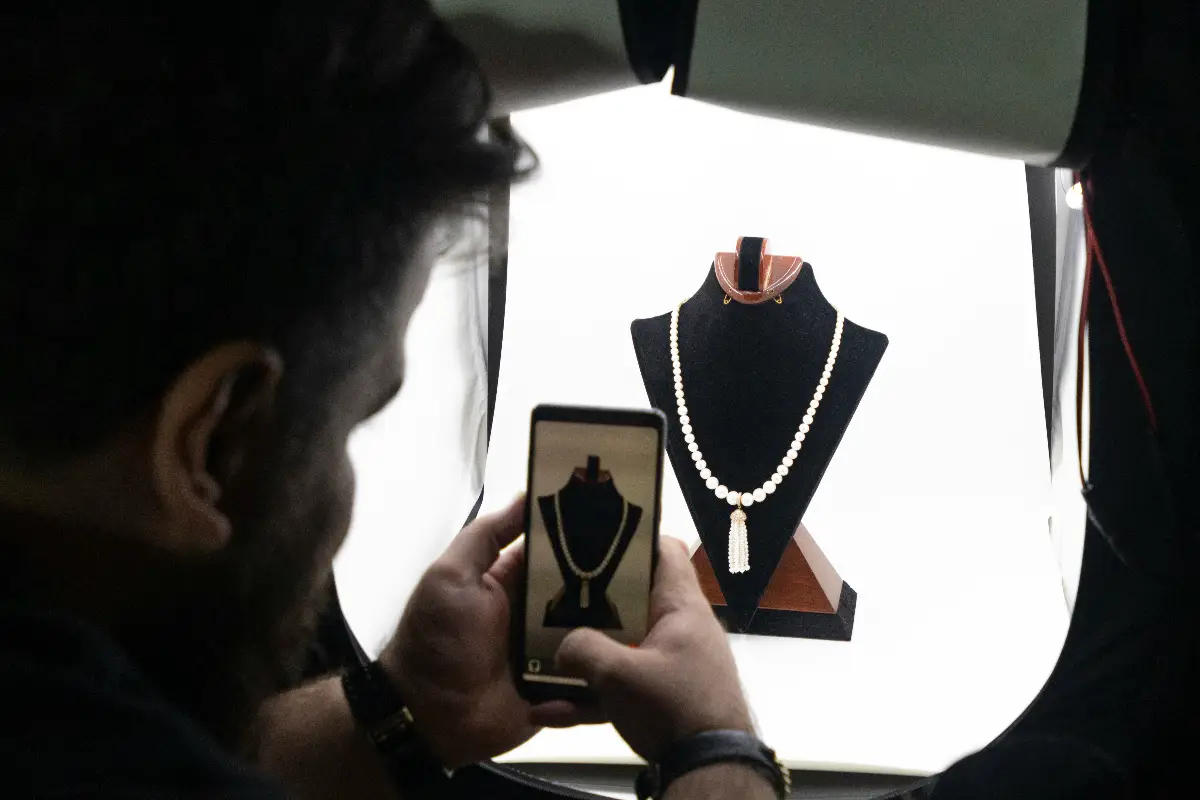
You must have known the hardships that you come across whenever taking a realistic photo of a jewelry item. The background must be removed manually so that the originality does not get lost to any automatic background removal software. In this GemLightbox Pro review, you will learn if it is really the AI jewelry box worth your investment. This review is based on real experience, and you will get to know the real facts.
There are a number of dedicated jewelry photo editing tools available online. Similarly, hundreds of companies make different lightboxes for delicate photo shoots. But there are very few lightboxes that are equipped with AI features that make your photography stand apart from your competitors. Here it is important to mention that good photos mean good sales. Before you purchase one, we share with you the real experience of having and testing this GemLightbox Pro with AI. Let’s take a deeper look at whether it is another marketing tactic or if it really offers something good.
What Is the GemLightbox Pro?
GemLightbox Pro surrounds small treasures, especially metal bands and sparkling stones. Jewelry pieces settle inside a sealed case. Soft, even light fills every corner. Most users slide a phone into a clip above, so you can point the camera straight down or through a small window on the side. This build focuses on tricky materials that love to bounce back light and spoil pictures made at home.
Two round platforms sit at the center. One table may spin rings or charms for simple photos. A second table rotates for smooth 360-degree movie clips, so visitors can twist the view on a product showcase. Built-in beams mean you do not have to fight with strange shadows or chase the sun around the kitchen.
GemIQ, the app, probably acts as the bridge between hardware and editing. Here is where the artificial smarts live. Removing backgrounds or writing short descriptions happens inside this software. The box catches the image. The digital helper clears away clutter and adds words. This teamwork forms the main benefit of the whole package.
Key Features
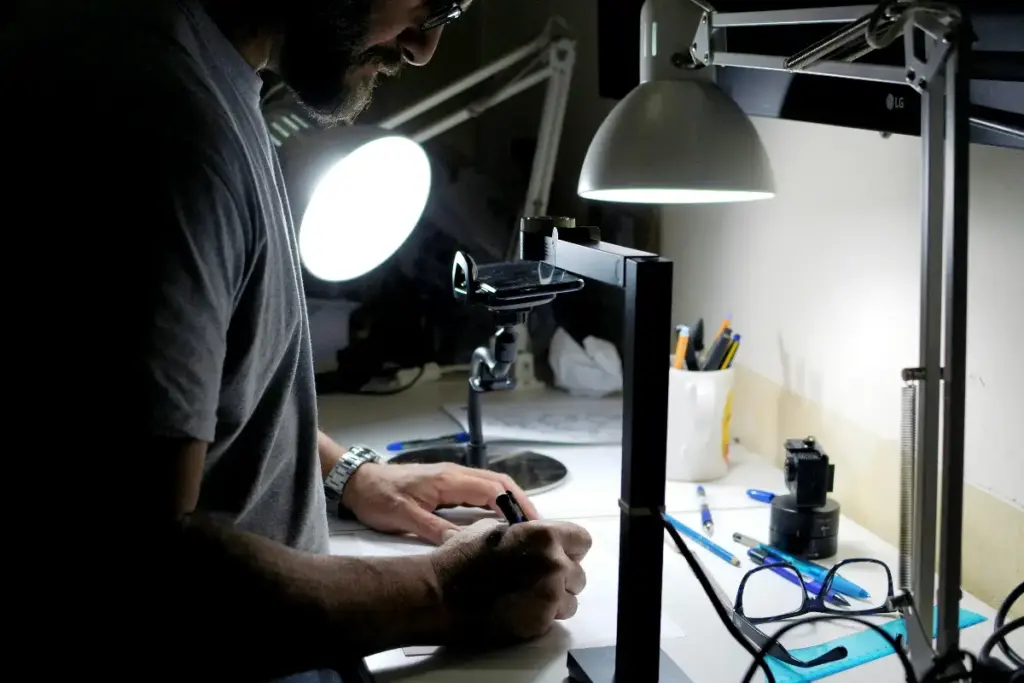
If you run a shop that always feels busy, the GemLightbox Pro’s list of tools may feel like a wish come true. Buttons and switches on the box. Clever functions built into the app. The real strength hides in the way both sides support each other. The most useful bits for day-to-day selling show up below.
- AI Background Removal: The GemIQ app strips the backdrop from your photos automatically, dropping your piece onto clean white or a custom scene. Results tend to be sharp around chains and stones, where manual cutting usually fails. Sellers who want to go further can explore AI-generated jewelry images and prompts to build fresh backgrounds instead of plain white.
- Dual Turntables: One platform spins for stills, the other for smooth 360 video. You set the piece once, then capture both formats without fiddling.
- One-Click Shopify Upload: Finished images and videos push straight to your Shopify store. No exporting, no dragging files between folders.
- AI Description Generator: The software drafts product copy based on the item you shot. You may still tweak the wording, but the blank page problem disappears.
- Photo Retouching: Built-in tools brighten metal, reduce dust specks, and even out color, so a quick shot looks studio-ready.
One small production line might come to mind when you use GemLightbox Pro. Place a necklace inside, grab a photo or video, let the app clean the picture and write a description, then send the finished work to your online shop. Each part pushes the next one forward. Fast sellers who update their stores again and again may see the biggest rewards from this tidy loop.
Hardware Box vs Software-Only Tools
AI tools for editing alone might fill every corner of the internet now. Anyone may snap a phone shot, upload it, and let a program trim away the mess or drop in new backgrounds. These quick services usually cost less, and you do not need any special table or box. So why might someone choose a dedicated box at all?
In many cases, the root problem comes from the first picture. Artificial helpers fix some things, but they may not rescue every dull or shiny mess. Give the AI a grainy, shadowy, glare-filled shot, and the result rarely stands out. The GemLightbox Pro fixes light and color before the smart app even begins. Better light means fewer weird reflections, more accurate colors, and sharp edges. A good starting picture often equals a better final image.
For anyone just starting out, program-only services could work best. Small sellers or hobbyists who only post a few pieces probably do fine without any extra gear. There is no clutter, no setup. Plenty of handmade shop owners use these smart services every week, and you may look at several popular jewelry AI photo tools for shop owners before ever thinking about new hardware.
Consistency enters the scene as the main trade-off. Shoots with only software often lean on sunlight, changing skies, and your steady hands. The light box erases those shifting elements. A photo on a stormy morning may look just like one at midday. Sellers chasing a seamless product display might find that reliable sameness more valuable than the latest AI feature. The box never takes away from the software. Instead, the device hands over clearer, more reliable images for the software to enhance.
Hardware Box vs Software-Only Tools
Choosing between a dedicated hardware box and a software-only tool comes down to how much you shoot and how much control you want over the process. The table below lays out the key differences so you can match the right option to your actual workflow.
Pricing and Who It’s For
The GemLightbox Pro likely will not tempt a casual shopper. The price tag feels like buying professional gear, not picking up something for a hobby. Some top AI tricks probably hide behind a paid membership too, so the first price you see might only be the start. Savvy buyers should add both the equipment cost and the ongoing software subscription before making a choice.
Who stands to gain from this price? High-volume sellers win here. Those capturing frequent new jewelry listings find time savings multiplying quickly. Jewelry chains, popular online shop owners, and busy studio teams fall into this lucky group.
Sellers with rare listings may struggle to defend the expense. For them, a phone paired with free editing tools meets the need. The GemLightbox Pro pays off when use repeats. Shoots pile up, and the value of each image climbs as the investment spreads out.
Where It Falls Short
Not every device covers all the bases, and this one shows real limits. Price becomes the highest hurdle for beginners or explorers. Those unsure about long-term selling will probably find the buy-in too steep.
Adapting to the GemLightbox Pro brings its own challenge. Positioning each piece, tuning the turntable, and learning the mobile app usually take a few rounds to master. Perfect images on the very first try might remain out of reach.
The membership topic can complicate things further. Some of the most advanced AI features probably fall under premium subscription plans, which adds a regular cost. Buyers who imagine a one-time purchase might feel surprised. Double-check membership benefits before jumping in.
Conclusion
Might the GemLightbox Pro deserve its price? Busy jewelers have reason to think so. The box produces clear, bright photos, while GemIQ software cuts out most manual touch-ups that waste time. Few single tools compete with this pairing. Occasional sellers probably should look elsewhere. Lower usage rarely balances out the fees and recurring charges. Let your schedule guide the decision. Heavy use means real savings. Infrequent shoots probably do not cover the spend.
The GemLightbox Pro wins its spot among sellers who photograph jewelry pieces often and seek a neat, reliable catalog without endless editing. Regulators now keep a close watch on how small sellers show off their goods online, so honest images may protect you in other ways too. A real edge comes from combining this hardware with AI, and few gadgets reach the same level. Count the cost, weigh your shooting pace, and review those subscription terms. Buy for the workload. Ignore the hype.

Haroon writes about AI chat tools and voice assistants. He covers how to get the most out of AI apps in your daily life.