
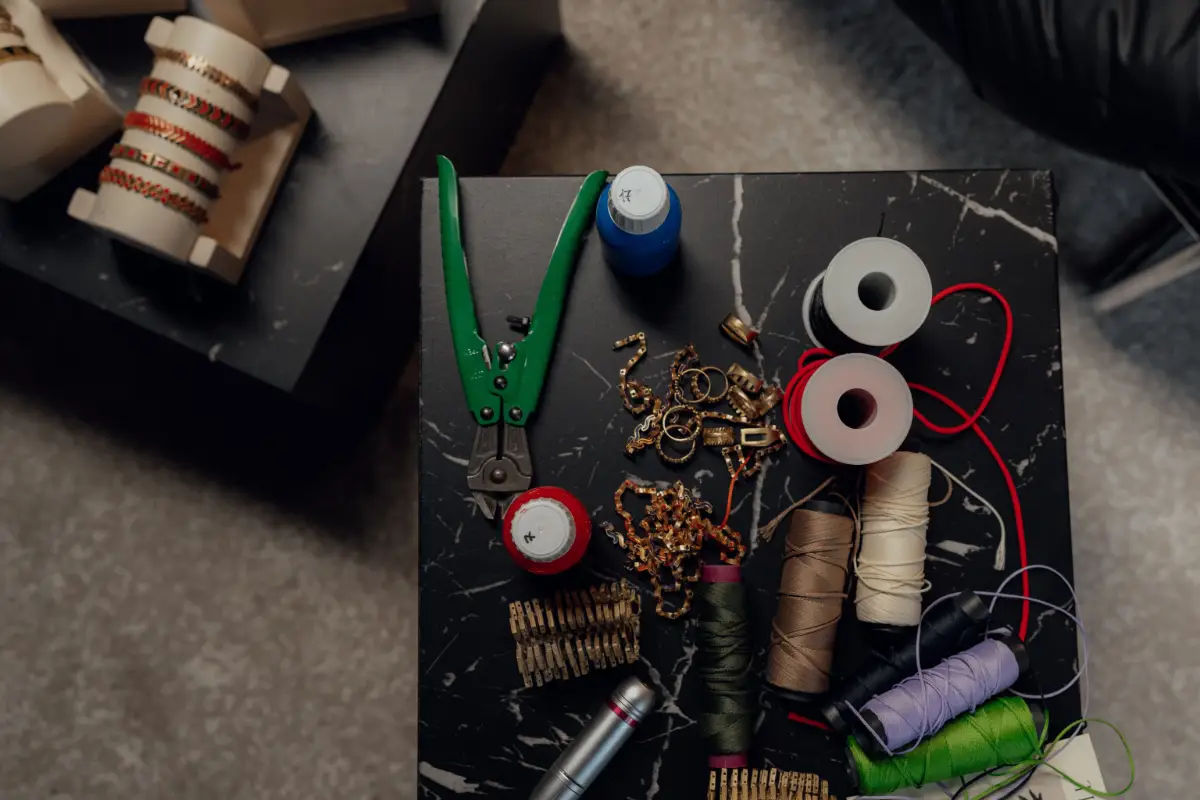
The game of jewelry photography has changed rapidly. It is now at another level where AI has taken center stage. It is now the most important way to be an active jewelry content maker anywhere in the world. What matters now is the Kling AI jewelry steps, prompts and what to check. With Kling AI, you can now give your gems a new shine and put them live in the results.
The AI algorithms are designed to optimize the video results. It looks shinier, angles are covered satisfactorily, and the final results are stunning. Here are the prompts that Kling AI needs to generate industry-level content for jewelry items.
What Is Kling AI Jewelry?
Kling AI jewelry means using a website called Kling to make a short video from one photo of your jewelry. The website has an AI tool that makes videos, and it has no special button for jewelry. You use its normal image-to-video tool. They are good enough to turn your photo into a video, and you can ask for a slow turn.
Be attentive and try to start from zero. A website is a page on the internet, and you open it with an app called a web browser. Keep these points in mind and organize your thoughts: Kling is one of these websites, and people use it to make videos. Thus, you will know a photo is a picture that does not move, and a video is many pictures that show one after another, so it seems to move. In this guide, a clip means a short video of a few seconds.
A tool is a part of a website that does one job. AI means artificial intelligence. It is a computer program that learns from many examples, and then it makes new things, like new pictures. Kling uses AI to make the extra pictures for a video. So when you give Kling one photo of a ring, it can make a clip where the ring seems to turn. This is called image-to-video. Now meet Mia. She sells silver rings online, and she wants a clip of one ring.
What Photo Works Best for a Kling Jewelry Video?
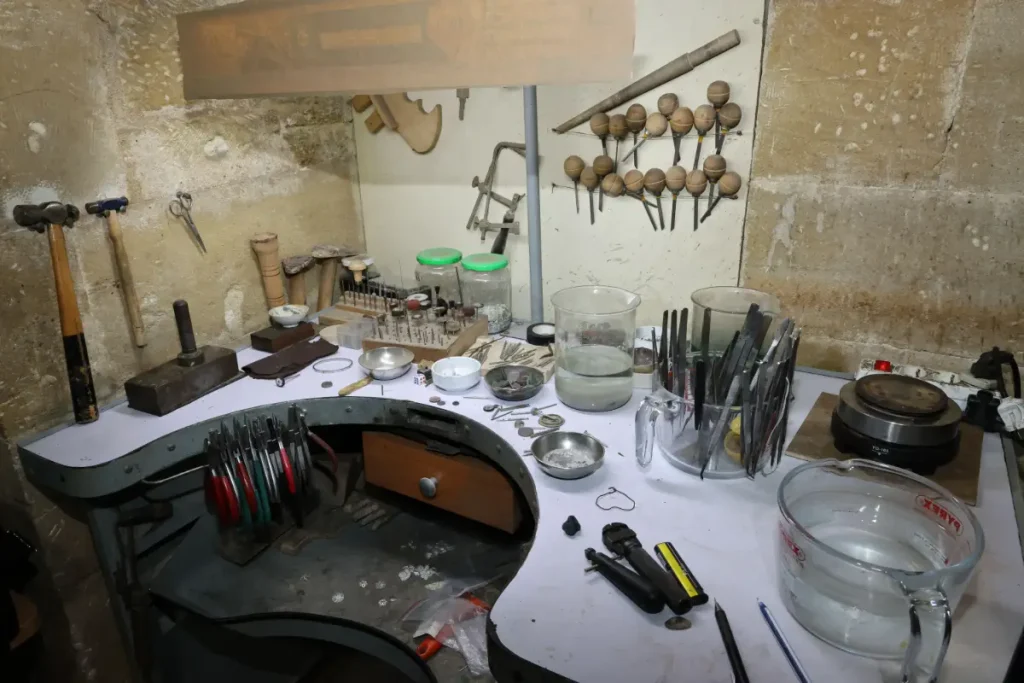
Therefore, follow this simple but important rule: use one clear photo of one ring or necklace. Put the jewelry on a plain background, like dark velvet or plain white, and use good lighting. Do not use a busy background, bright spots on the stones, or a blurry photo. A clear photo gives Kling a good picture to start from.
Why does the photo matter? Kling makes the video from your photo, and Kling’s guide says a sharper photo gives a better sparkle. Sparkle means shine, and stones are the shiny gems in jewelry. Let us see how Mia takes her photo. First, she puts her ring on a dark velvet stand. Velvet is a soft cloth. Second, she turns on a soft lamp. Third, she turns off the flash on her phone because a flash makes bright spots on the stones. Fourth, she takes a close-up photo. Close-up means very near, so you can see each small stone. The background is what you see behind the jewelry. If you need help taking a clean photo, see our guide to the AI jewelry camera.
How Do You Make a Jewelry Video in Kling Step by Step?
Go to Kling’s own website and open the part that makes videos. Add your photo. Then type a short message and ask for a slow turn with sparkle. Say that the background and the light stay still. Make the clip, watch it, and save it. Last, check the rules of the shop where you will post it.
First, open a web browser, like Chrome or Safari. Find the long box at the top of the browser. This is the address bar. Type kling.ai in it, and do not click a link in an ad. An ad is a paid message on a web page, and ads can lead to fake websites. Second, find Video Generation. This is the part of Kling that makes videos. Choose image to video. Third, add your photo. The photo is called the start frame because it is the first picture of the video. Fourth, type your prompt, and you will learn how in the next part. Fifth, make the clip, wait, and watch it. Sixth, save the clip on your device. This is called a download. Last, check the rules of the place where you will post. A shop or an app can have rules about how long the clip can be, and about the shape of the video, wide or tall. If the clip looks wrong, change the prompt a little and try again.
What Prompts Work for Kling AI Jewelry Videos?
It is hard to deny that a prompt is the words you type to tell Kling what you want. A good prompt is something that names the jewelry and asks for a slow turn. Saying that the light shines on the stones and that the background and the light stay still is crucial for a good prompt. When talking about prompts, one should admit that keeping the prompt short and clear is necessary because a fast spin can blur the details.
As a rule, a prompt is like a note to a helper. However, the helper cannot see your mind, so the note must say what you want. The necessity to know why a slow turn is good cannot be overestimated. In this article, we will discuss what Kling’s guide says: a slow turn looks like a good product, and a fast spin looks cheap. Hopefully, these tips will help you understand why a turn makes the ring sparkle! Make sure to remember that a diamond has many tiny flat sides. Start by seeing that when the ring turns, each side meets the light at a different time, and the diamond flashes. You need to read three sample prompts. As a rule, you can change the words for your own jewelry.
- Ring prompt: Consider a gold ring with one diamond that turns slowly on a dark velvet stand. The diamond shines in the light, and the background and light stay still. Indeed, you will not get too far without keeping the motion smooth and steady.
- Necklace prompt: However, a thin gold necklace with a small charm turns slowly on a white stand. For assistance in keeping the charm shining in the light, consider keeping the chain straight. Know that both the background and the light stay still!
- Earring prompt: Know that a pair of pearl earrings turns slowly on a plain white table. How to let soft light move across the pearls? Well, the background stays still, and the motion is smooth and steady.
Even if this activity is repetitive, Mia tries the ring prompt first. If she changes only one word each time, she learns what each change does.
What Should You Check Before You Post a Kling Jewelry Video?
Check the stones, the metal color, and the shape of the jewelry. Sometimes, they must stay the same throughout the whole clip. Look for bent chains and strange marks in the background; make sure to keep these things in order. To check the rules of your shop, consider using only Kling’s own website to make and save your clip.
Why do you need to check? Small mistakes can happen through AI that draws from memory like a student. Hence, you have to incorporate morphing as the name for one kind of mistake. Read more details about a ring that slowly changes shape while the video plays in morphing, like a ring that bends or melts. If Mia wants to check, then she has to consider playing her clip again and looking at every stone and the chain. Mia will be able to ask one simple question: whether she can assure herself that this looks like her real ring.
If the answer is no, making a new clip and changing the prompt a little is the main aspect that Mia needs to prioritize. Watching out for fake websites is the main focus of checking. A fake website is one that copies another website to trick people. This is the essence of May 2025: fake Kling websites and ads spread harmful software. Harmful software should be a computer program that can damage your device or steal your information. You have to emphasize that you type kling.ai yourself and never save a file from an ad.
How Much Does Kling AI Cost?
The point is, Kling uses credits, and each clip uses some credits. This is because plans and prices change, and websites show different numbers. The implication is that you check the pricing page on Kling’s own website before you pay in this manner, so you do not trust a price from a random website, because it can be old.
Be reminded that credits are points that you spend to make a clip, like coins in a game. In your chosen plan, there is a way you pay for Kling, for example, each month. This guide, with no price, is quite challenging because plans change. But you can check Kling’s credit policy, which says that a clip that fails gets its credits back on Kling’s own website. Mia starting with one short clip must be relevant because she does not know the cost yet.
What Else Can You Try Besides Kling?
If someone tells you that Kling is the only choice, you should not believe it. There are other tools that can also make a short clip from one jewelry photo. Otherwise, try two or three tools with the same photo. Looking at the sparkle, the shape of the jewelry, and the speed is the rule of the game. Choosing the tool that shows your jewelry the way it really looks is what you have to secure.
Of course, a fair test gives each tool the same chance. In this case, first, the same photo is used in each tool. Therefore, second, let us use the same short prompt. In basic terms, third, putting the clips side by side on your screen is a definition of a fair test. However, fourth, due to its functionality and the needs of internet users, we are referring to looking at the stones, the metal color, and the shape if we are talking about a fair test. There are other options in our list of AI jewelry animation tools that turn one photo into a clip.
Kling, Runway, and Luma at a Glance
You may want to compare Kling with other tools before you pay for any of them. This short table shows the main facts for turning one jewelry photo into a clip, so you can see where each tool starts and what it asks of you.
| Tool | Works from one photo | Free option | How you pay | Worth knowing |
|---|---|---|---|---|
| Kling | Yes, through its image-to-video tool. | Check Kling’s own pricing page, because sources differ. | Credits. | There is no special jewelry mode. Version 3.0 makes clips up to 15 seconds, and version 4.0 was announced in September 2026 for up to 30 seconds. |
| Runway | Yes. Gen-4 Turbo works from a photo on the free plan, and Gen-4.5 does on paid plans. | 125 one-time credits. | Credits on monthly plans. | Paid plans also include other models, such as Kling 3.0 and Veo 3.1. |
| Luma Dream Machine | Yes. | A limited free plan with 720p output, watermarks, and non-commercial use only. | Credits on monthly plans, plus top-ups. | Its credit table lists clips of 5 or 10 seconds. |
FAQs: Kling AI Jewelry?
Q1. Does Kling have a special jewelry mode?
No, when it comes to Kling, it has no special jewelry mode. If you use Kling, its own guide says you use the normal image-to-video tool. You can use a clear photo and a prompt for a slow turn. Even though only some of the steps were mentioned before, the same steps work for rings, necklaces, watches, and sunglasses.
Q2. How long can a Kling clip be?
In particular, a version is a new release of a tool, like a new model of a phone. Another advantage is that version 3.0 makes clips up to 15 seconds. Also, Kling announced version 4.0 in September 2026, with clips up to 30 seconds and a full launch in October.
Q3. Where can I use a Kling jewelry video?
However, for the sake of simplicity, Kling’s guide lists shop pages on Etsy, Amazon, and Shopify, which are websites for online shops. That is, it also lists posts on Instagram and TikTok, ads, and your own site. For instance, you may have to check them first because each place has its own video rules.
Q4. What photo is best for a jewelry video?
Just use one clear photo with good light on a simple background, like dark velvet or plain white.
Q5. How do I avoid fake Kling sites?
Go to kling.ai and type the address yourself. As of May 2025, fake Kling sites and ads spread harmful software.
So, Should You Try Kling for Jewelry Videos?
However, Kling can turn one clear jewelry photo into a short, shining clip. So, start with a clear photo, ask for a slow turn, and keep the background still. In general, check the stones and the shop rules before you post. In short, if you are looking for a clear photo, you should know that Kling AI jewelry works best when the photo is clear and the prompt is simple. Before you trust an AI video, learning how generative AI works makes your research more accessible. The final step is playing the clip again and looking at every stone before you post.

Haroon writes about AI chat tools and voice assistants. He covers how to get the most out of AI apps in your daily life.