
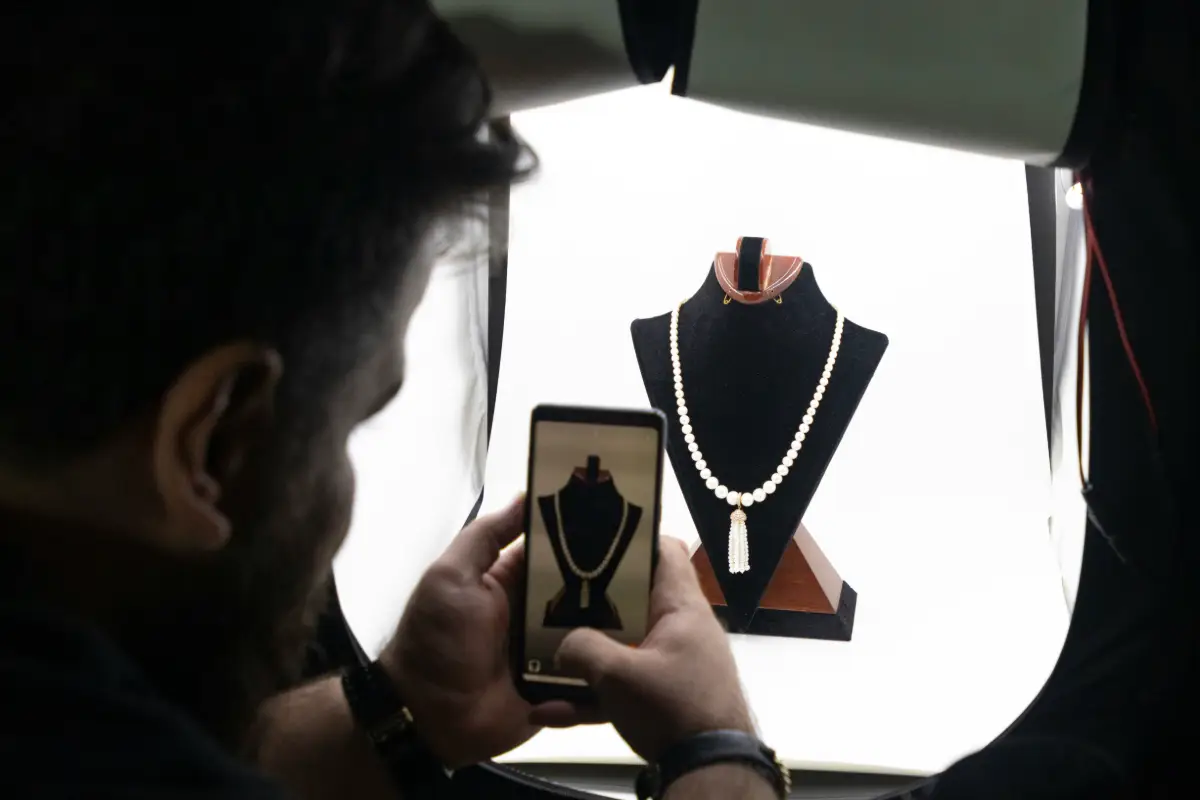
Taking a good photo of a jewelry item is one of the hardest things to do in a photographer’s career for photographers. There are tiny chains that almost disappear if the background is complex. Stones reflect light and depict everything in the surroundings. They catch light, and it confuses the camera. Here comes in handy the Phot AI jewelry background remover. With a complete review, you can easily learn about its performance, editing powers, and all the features that you can use for free.
Small businesses can use it to grow their revenue, save time, and be more productive. It takes time when a new collection arrives, and you have to picture them all. Taking care of the tiny details while editing is the stage that consumes most of the time. With Phot AI jewelry background remover, you can do it in seconds.
What Is Phot AI’s Jewelry Background Remover?
Phot AI’s jewelry background remover runs inside a browser and claims to clear out backgrounds from product images automatically. No downloads. No need to mess with layers or masks. Upload a picture. The program examines the jewelry’s outline. It then slices the object away from the clutter behind it. For one photo, the process may only take a few seconds.
Instead of asking users to trace every edge themselves, the remover taps into machine learning. The system tries to guess which tiny piece belongs to the ring, necklace, or earrings. Background elements such as tables, cloth, or tricky shadows get separated. Those small time savings probably add up when an online shop keeps growing fast.
Sellers who want flexibility probably will feel satisfied with the available downloads. Transparent PNG sits there for anyone planning to build a new scene or make collages. A version with a blank white surround also appears, matching the standard most marketplaces quietly request. Beginners likely will find the design welcoming and simple. What challenges users is not the interface, though. Problems typically reveal themselves once jewelry details get complicated. The true test always starts there.
How It Handles the Hard Parts
Coffee cups, books, and other easy objects usually look flawless after background cleaning. Delicate accessories often reveal weaknesses. Sparkle, mirrored surfaces, and chains as fine as thread tend to trip up algorithms. Our review might not be gentle, but the purpose was to see how the tool manages exactly these risky spots. The results in those details may become the reason a listing sells or sits around unsold.
- Reflective Metals: Polished gold and silver tend to mirror their surroundings, which fools weaker tools into treating shine as background. Phot AI held its ground on most bright surfaces, keeping the metal solid rather than punching holes through the shiny spots.
- Sparkling Gemstones: Faceted stones live or die by their sparkle. The tool mostly preserved that fire and kept crisp edges around the stones, though a very busy background occasionally softened the outer facets.
- Thin Chains: Fine chains are the classic disaster zone. Delicate links traced surprisingly cleanly here, and only the thinnest strands showed a slight break where the software probably guessed wrong.
- Delicate Settings: Small prongs and open settings can confuse automated detection into filling gaps that should stay empty. Phot AI handled intricate mounts better than expected, preserving the little negative spaces between prongs.
Precision across difficult areas reached levels higher than many people might expect. Most gems and shiny parts appeared correct more often than not. Only the thinnest chains sometimes needed extra attention. What looks like a single click probably comes from a world of research, including advanced courses at famous universities that teach computer vision fundamentals, the kind that shapes how software learns to spot what matters in a picture. The difference between an almost perfect image and an absolutely clean one might come down to this hidden knowledge inside the program.
Pricing: What Does It Actually Cost?
Moving around the screen feels almost like magic. Smooth menus, quick uploads, and simple buttons probably trick your mind into thinking prices match the ease. Surprise awaits here. The numbers hide behind screens that look too simple. You face more layers of payment than the clean uploader hints at. Reading the small print may help you dodge mistakes. Each plan has its own offers and limits. A closer look shows when the free tier drops away.
- Free Plan Limits: You can try the tool without paying, which is generous for testing. Free exports usually come with resolution caps and, in some cases, reduced quality, so the output works for previews more than finished listings.
- Paid Plan Cost: Full resolution, clean exports live behind a paid subscription. Pricing runs on a monthly basis, with an annual option that trims the cost if you commit for the long haul.
- Credit System: Usage runs on credits rather than a flat unlimited pass. Each image you process pulls from your balance, so heavy users burn through allowances faster than casual ones.
- Output Restrictions: Higher resolution downloads and certain export formats tend to sit on the upper tiers. Download counts may also tie back to your credit balance, which shapes how much you can push in a single month.
Curious about the cost for a hobby seller? You might get by without paying if listings stay rare. Post a few items once in a while and the free version might work. Regular uploads? High-quality files? The gap shows up then. A paid subscription changes from a choice to a necessity. Once jewelry turns from a hobby into a business, monthly fees probably pay for themselves in the first couple of sales.
How It Compares to Other Photo Tools
Some background cleaners tackle only the basics. One goal. Do it well. No distractions. That specialty keeps them useful, but blocks bigger ambitions. Phot AI’s remover fits finely in these narrow lanes. Erase a cluttered background immediately. No drama. No extras. All-purpose tools promise a wow effect. Big dreams fuel them. These smart creators add more than a blank space. They drop your jewelry into new scenes. Rings might rest on marble. Necklaces could glow with soft light like in a studio. More than just a clear shot, the photo tells a story.
Picking the right helper may depend on your real needs. Want simple white or see-through images? Fast removers probably win the day. Smaller fees, instant results. Need something grand? Images with stories and crafted scenes? The basic remover feels too plain. Sellers who dream bigger may appreciate this roundup of AI jewelry product photo generators, which covers full scene and lifestyle generation. Think about tools as a toolbox. Use sharp, single-task software like a small knife. Grab bigger, creative machines for scene building. Most serious shops reach for both, each matching a separate challenge.
Software vs Hardware: Worth Comparing
Not everyone trusts computers for a clean image. Hardware sometimes wins out. Cameras, lightboxes, and clever props stand ready. The room stays bright. A tiny box glows. Pop your jewelry inside. Shadows soften. The plain background shows up in the very first picture. Screens and edits stay in the background for once.
Choosing this path sets up a trade. A real lightbox brings a price tag and takes up space. Digital fixes wait quietly on your laptop. Easy to store. Grow with you. Still, a lightbox handles shiny metal and tricky stones better than code. No software replaces perfect lighting. If you want more detail, this GemLightbox Pro review might help. Hardware or software? No final answer wins. Quick digital edits help those who want speed and less cost. Hardware users get almost total control and true-to-life images every time. Some shops snap pictures using both. A lightbox for clean shots. Software for neat edges and finishing touches.
Who Is It For?
People crave the perfect tool, but that dream rarely comes true. Phot AI’s remover may work magic for certain sellers. Others could find themselves quietly disappointed. Pinpointing your own needs probably spares you from a lot of guesswork. Honest words can reveal who stands to win big and who should keep searching for a more robust option.
- Etsy and Small Shop Sellers: Quick, affordable cutouts without renting a studio suit this crowd perfectly. You get marketplace-ready images in minutes and keep your overhead close to nothing.
- High Volume Batch Editors: Sellers pushing many listings at once care about speed above all. The automated flow moves faster than manual editing ever could, so throughput matters more than fine-tuning here.
- Hobbyists and Side Sellers: Casual sellers who do not want lighting rigs or camera gear get real value. You skip the equipment bill entirely and still walk away with clean product shots.
- Not a Fit for Studios: Professional photographers who need full command over lighting, mood, and composition will feel boxed in. Automated cutouts cannot replace the creative control a studio workflow demands.
Every plan links closely with the earlier pricing tiers. Those who craft as a hobby or sell a little on small online market stalls might enjoy the free features for quite a while. Shops that handle many items, or those who often edit in bulk, probably reach the credit cap quickly. Subscriptions become necessary for these crowded shops. Creative studios usually chase other investments, whatever the tier in question.
Phot AI Jewelry Background Remover at a Glance
Before deciding whether to sign up, it helps to see the practical details side by side rather than digging through pricing pages. Here’s a compact rundown of what the tool actually offers and what it costs.
| Feature | Detail |
|---|---|
| Tool Type | Browser-based AI background remover |
| Processing Time | A few seconds per image |
| Output Formats | Transparent PNG and solid white background |
| Free Access | Free trial available, capped resolution and quality |
| Paid Plans | Basic $9/month, Pro $19.99/month, Unlimited $99/month |
| Usage Model | Credit-based, per image processed |
| Best Suited For | Reflective metal, faceted gemstones, fine chains |
| Platform | Fully web-based, no downloads required |
A quick note on accuracy: pricing figures for Phot AI vary slightly across review sites (some list a Teams tier around $62 to $75 a month instead of the $99 Unlimited tier), which suggests the plan structure has shifted or differs by region. The figures above reflect the most consistently reported numbers across sources, so treat them as a close estimate rather than a locked quote, and confirm on Phot AI’s own pricing page before subscribing.
Conclusion
So what is the real judgment here? Phot AI’s jewelry remover tackles the difficult job with skill. Surprises appear where other tools normally stumble. Gold pieces shine without losing their glow. Stones keep their sparkle, and most skinny chains remain untouched. Only the most delicate links might need a minor fix. For the cost, that kind of reliability really stands out, especially in an area where weak software crashes and burns.
No tool pleases every user. Studios needing total control likely need to keep looking, and the busiest sellers might run into credit limits faster than they hope. However, creators on small online markets, hobby jewelers, and rapid-fire sellers may discover great value. Anyone can dip a toe in for free, and the jump to paid plans does not break the bank as listings grow. For those looking for simple and sharp jewelry photos, without hiring a professional studio, Phot AI’s remover could become a secret weapon. Take your wildest piece and see what happens. The results will probably speak for themselves.

Haroon writes about AI chat tools and voice assistants. He covers how to get the most out of AI apps in your daily life.