
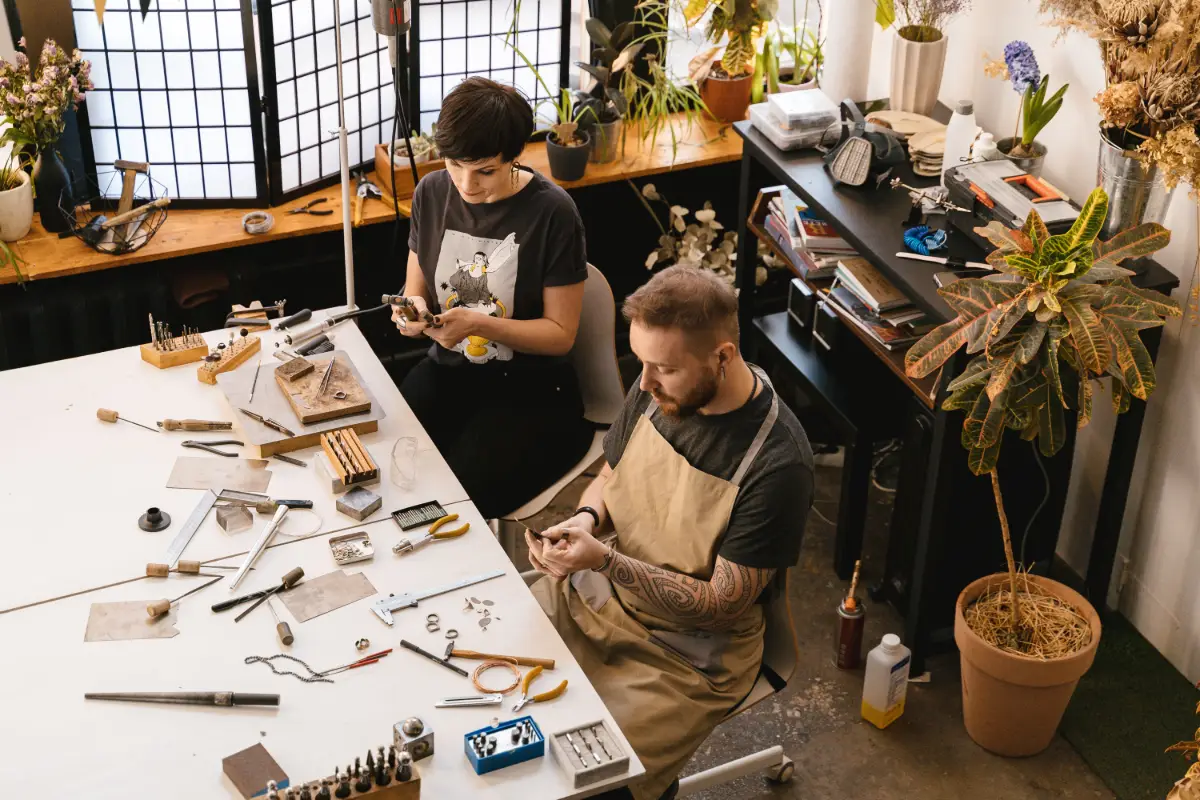
When you order jewelry online, it can feel like a test of your patience. There are several factors involved. For example, will the item you ordered fit well on your body, will it cause any irritation, or how does it look when you finally wear it? But now you do not have to worry at all. These 7 best AI body jewelry tools in 2026 allow you the freedom to shop online without any concerns. All you have to do is give it a photo of yourself and the jewelry product, and leave the rest to it.
There are now AI jewelry tools that generate a full photo of you with that piece on your body. Whether it is a nose ring, a body chain, or a new piercing style, now you can watch how it actually looks on you even before you order it. There are several AI body jewelry apps available today. Some of them are purpose-built, and some of them are general apps that only offer this as one feature among many others. We have collected only the useful ones. So check our list before subscribing to any of their paid plans.
What Counts as an AI Body Jewelry Tool
The phrase “AI body jewelry tool” covers a confusing mix of different digital helpers. Some apps may create brand new images using only written ideas. Others often let you see a new piercing placed on your own face, even before you decide to book an appointment. Another sort mixes both, since body jewelry sometimes appears as a feature in much larger creative platforms. Identifying which kind you have probably saves stress and wasted time.
- Dedicated generators: Some apps may create brand new images using only written ideas.
- Dedicated try-on apps: Others often let you see a new piercing placed on your own face, even before you decide to book an appointment.
- General-purpose tools with body jewelry support: Another sort mixes both, since body jewelry sometimes appears as a feature in much larger creative platforms.
- What this means for accuracy: The three types above shape how each tool works. Using a “general” program may not be a mistake. Specialized tools do not always give perfect results. What matters is pairing your needs with the correct helper.
Keep that split in mind as you read on. A tool being “general” does not make it bad. A tool being “dedicated” does not guarantee perfection. The point is matching the software to the job. Below, each entry states plainly which category it belongs to, so you never mistake a jack-of-all-trades for a piercing specialist.
The 7 Best AI Body Jewelry Tools
Not every tool on this list works the same way, but each one earns its place for a genuine reason. Here is a closer look at seven options worth trying, starting with the ones built specifically for body jewelry.
1. PromeAI
PromeAI belongs to a wide world of digital creators. Many tools for design, image fixing, and art generation wait inside this platform. Body jewelry just happens to be one thing you can pull out of the system. You type in a description or upload a quick sketch. The digital engine then returns clean, shiny visuals. For artists drawing early jewelry ideas, PromeAI might turn shaky, rough pictures into neat, almost finished samples quite fast. A key weakness probably hides in how PromeAI guesses at piercing positions. The engine does not really learn about real body shapes. Placement on ears or noses can shift into something random, not real.
Anyone curious about smart accessories that track daily life may want to peek at digital jewelry for tech fans. The right link shows wearables that follow your habits beyond basic necklaces. PromeAI mostly works best as a spark for new ideas rather than a perfect mirror for real-life previews. You call on this clever system for fresh jewelry looks and product-style images, less so if you need a golden stud to fit exactly on a unique ear shape. Designers, above all, might find the most inspiration here. If you want to learn about the complete range, please check AI jewelry that goes beyond necklaces.
Pros:
- Wide range of AI tools
- Fast, realistic image results
- Beginner-friendly dashboard
- Affordable pricing tiers
- Free plan for testing
Cons:
- Full features need subscription
- Commercial use often restricted
- Limited fine-grained control
- Complex images render slowly
- Coin system feels confusing
2. Piercing AI: Jewelry Generator
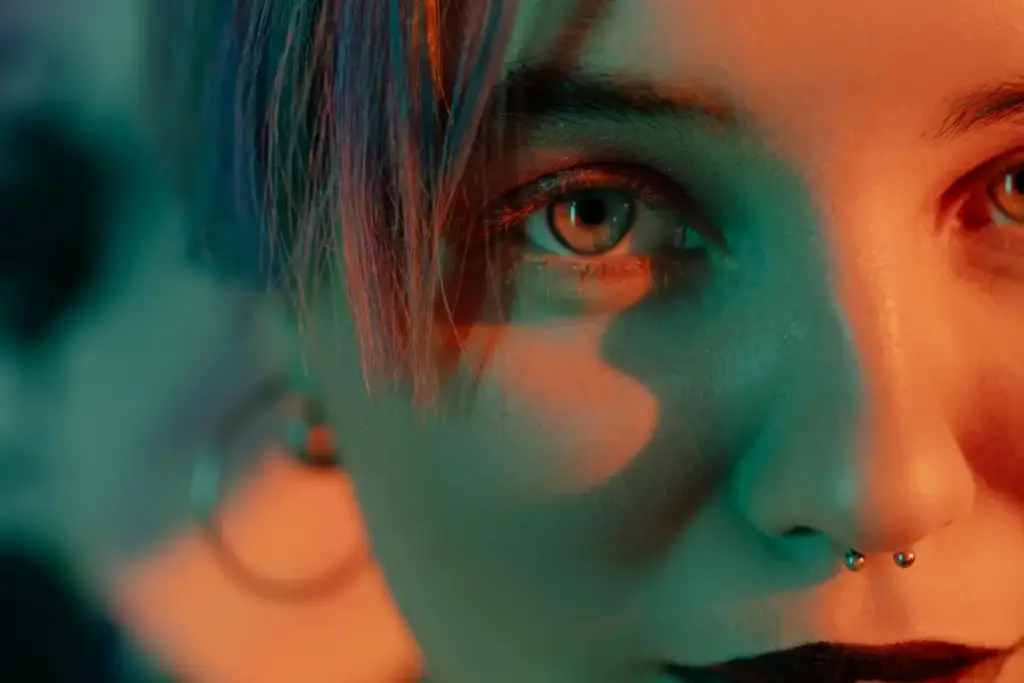
Now we reach a genuine specialist. Piercing AI, as the name shouts, was built around body jewelry and nothing else. The tool focuses on generating piercing jewelry designs and, in many versions, previewing how a piece might look on a body. Because the whole engine centers on studs, hoops, and barbells, the output tends to respect the small details that matter, like gauge thickness, ball size, and the curve of a captive bead ring. You describe the style you want, and the generator serves back options that read as actual piercing jewelry rather than vaguely metallic blobs.
For a piercing studio building a lookbook, or a client trying to describe a dream septum ring, the focus really helps. No tool is flawless, and results still depend on how clearly you write your prompt. Still, when a platform commits entirely to one narrow category, the accuracy usually climbs. If your work lives and breathes piercings, this dedicated approach may spare you the frustration of fighting a general editor that keeps drifting off-topic. It is a sharp, purpose-built choice.
Pros:
- Dedicated piercing style app
- Wide piercing style categories
- Anatomy-aware AI placement
- Custom prompt describe mode
- Save and share results
Cons:
- No true free preview
- Full paywall before results
- Subscription cost is high
- App flow unclear at first
- Requires clear photo upload
3. Photta
Photta usually falls into the general-purpose group. Many users may notice a clear tilt toward photo editing and smart image creation with the help of AI. A piercing laboratory? Photta does not try to go that far. Instead, this tool brings a flexible digital canvas. Jewelry – even body pieces – might join a mix of creative visuals through Photta’s options. Some people could choose Photta to give a product photo extra style. Others might want to make lifestyle clips or toss some extra sparkle onto an old favorite shot. Independent sellers without a professional photographer could probably see real value here.
Pros:
- Dedicated nose ring tool
- Dedicated septum ring tool
- Free to use overall
- No watermark on downloads
- Realistic placement accuracy
Cons:
- Limited to facial piercings
- No body chain support
- Web only, no mobile app
- Requires clear product photo
- Fewer style categories overall
4. Media.io
General tools always have their quirks. Photta takes the usual path. The program divides its attention. Many image projects call for some energy here. Some, there. That means Photta probably does not carry expert-level insight. Placement for a labret near a lip? Realism about how a bar runs across an ear? Real piercing fans may sense something missing. You might expect beautiful results. The tool aims to deliver those. Exact piercings, though, might remain wishful thinking.
Media.io’s virtual try-on even lets classic bracelets or rings shine. A more complete list of top AI jewelry try-on apps explains the best helpers for rings or necklaces. When the conversation turns to body piercing specialty, however, Media.io may not impress. Most likely, piercings never stand in the spotlight here. Anatomy-specific tweaking remains limited. Convenience takes the crown instead. Imagine: all edits, all generations, and all cleanups in one basket. Five tools reduced to one. For people who move between photos, listings, and clips all day, this bundle probably saves real time and hassle.
Pros:
- Dedicated piercing filter pages
- Covers nose, ear, belly
- Realistic AI blending quality
- Works entirely in browser
- No app download needed
Cons:
- Free tier has daily limits
- Some results need refining
- Prompt wording affects accuracy
- Fewer piercing styles overall
- Not focused on body chains
5. Bylo.ai
Many may call Bylo.ai a creative playground. Text prompts become pictures or quick video clips in almost any style or theme you can imagine. Jewelry visuals? Certainly possible. Vivid results might appear on-screen in moments. Bylo.ai’s system does not give special weight to body jewelry. A nose ring receives about as much focus as a mountain or a coffee cup. The software probably cares little about details like correct anatomy.
Fast mood boards, splashy social visuals, and bold concept art all fit Bylo.ai’s strengths. Anatomical preview of a particular stud for your own ear? Probably too much to expect. Here, speed and fresh ideas win over technical jewelry knowledge. Content creators who want constant bursts of new imagery might find Bylo.ai helpful, especially when body jewelry serves as just one piece of a bigger creative vision. Bylo.ai may work best as a tool for idea generation, not as a jewelry expert.
Pros:
- Named nose ring feature
- Broader jewelry toolset included
- Free to start using
- Realistic skin tone rendering
- Simple prompt-based workflow
Cons:
- Piercing feature feels secondary
- Fewer dedicated piercing styles
- General tool, not specialized
- Requires clear reference photo
- Output quality can vary
6. Fotor
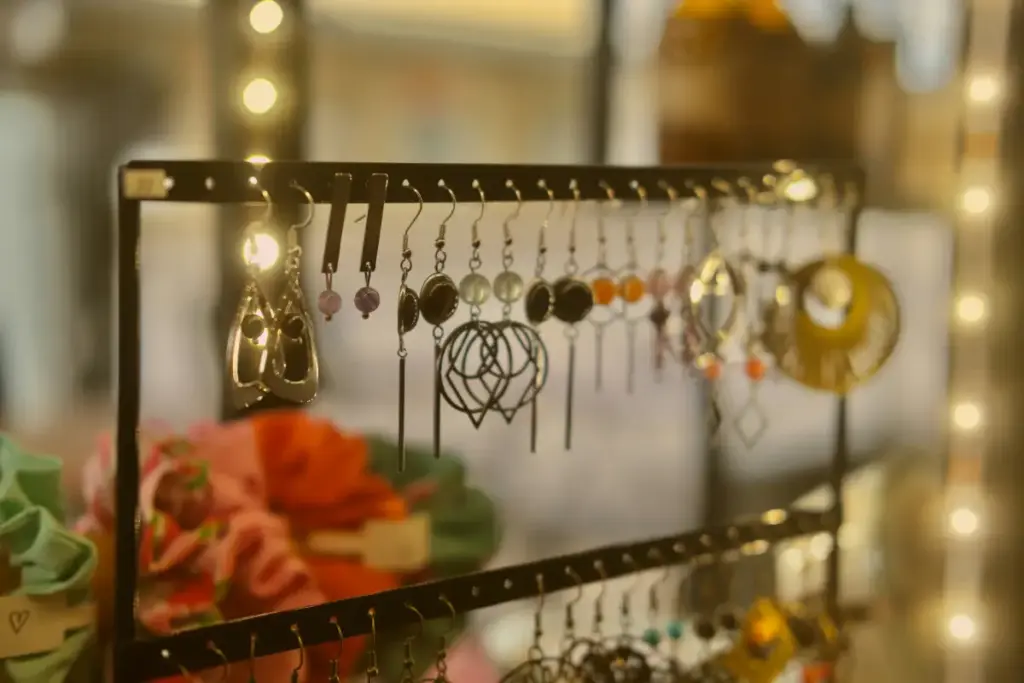
Many users know Fotor as a trusted name for editing photos and easy design. Huge menus hide all sorts of AI powers. Body jewelry features appear only as a small corner of a much wider world that covers faces, posters, collages, and product photos. The strength shows up in how regular snapshots suddenly look sharp and polished. Retouching, changing backgrounds, using AI to make new images, and fast templates all sit just one or two clicks away. Beginners and small sellers might quickly create neat, matching images for their shops without digging into confusing menus.
Fotor does not really grasp small details of jewelry, such as gauge size or real-life piercing spots. Editing and photo-making treat a nose stud as just another object. People choose Fotor when they want to upgrade their jewelry photos, build neat shop banners, or create marketing pictures without delay. Anyone who hopes for a perfect virtual piercing test may walk away disappointed; that sort of accuracy does not belong to Fotor’s toolkit. For people wanting a simple, reliable helper for many photo tasks, Fotor probably becomes quite useful, so long as you understand where its strengths stop.
Pros:
- Supports nose rings too
- No watermark on downloads
- Wide jewelry type support
- Easy-to-use interface
- Text prompt customization
Cons:
- Body jewelry feels secondary
- Free plan very limited
- One AI task per day
- Best features need Pro plan
- Less piercing-specific detail
7. AI Ease
AI Ease might not focus on body art, but this tool brings plenty to the table. Users may find a collection of AI helpers here. Photo fixes, background tidies, simple erase tricks, and fresh image ideas all live side by side. Sometimes, a picture of earrings or a shiny pendant can look better with a clean background or a touch of virtual polish. AI Ease often manages these tweaks without asking for money. Beginners, small shop owners, or the simply curious probably feel welcome here. The main draw?Simplicity. Steps feel short, and the barrier feels low, so people without fancy skills or deep pockets get a chance to play.
Expect no expert knowledge of skin or how jewelry hugs an ear; AI Ease does not study anatomy or learn piercing secrets. For neat product photos or quick makeovers, the program keeps things smooth and easy. Those wanting fine-tuned try-ons or super-precise piercings might not find the right tools inside these menus. When the goal is a tidy, nice-looking shot rather than lifelike placement, this program shines like a handy drawer of tools, not a master jeweler’s bench.
Pros:
- Free and unlimited use
- No signup required at all
- Works for many accessory types
- Simple highlight and describe
- Good for quick experimenting
Cons:
- Not body jewelry specific
- General accessory tool only
- Placement accuracy less precise
- Fewer piercing style options
- Results need manual refining
Best AI Body Jewelry Tools at a Glance
Seeing all seven side by side makes the differences much easier to spot. The table below breaks down what each tool actually does, so you can match the right one to what you need before trying any of them.
Conclusion
Picking the right tool comes down to matching purpose with product. If piercings are your whole world, a dedicated option like Piercing AI probably serves you better than a broad editor that treats a septum ring as one more object. If you mainly need attractive images and marketing polish, the general-purpose platforms earn their keep without pretending to be anatomy experts. Neither type is superior in every case.
Honesty about the split, dedicated versus general, keeps your expectations grounded and your results usable. Placing a piece of jewelry onto a photo so it looks real is no small feat, and it draws on the same foundations as modern computer vision research, the field dedicated to teaching machines how to interpret and recreate what a camera sees. Choose the tool that fits the task, test a few, and let the strongest fit win.

Haroon writes about AI chat tools and voice assistants. He covers how to get the most out of AI apps in your daily life.