
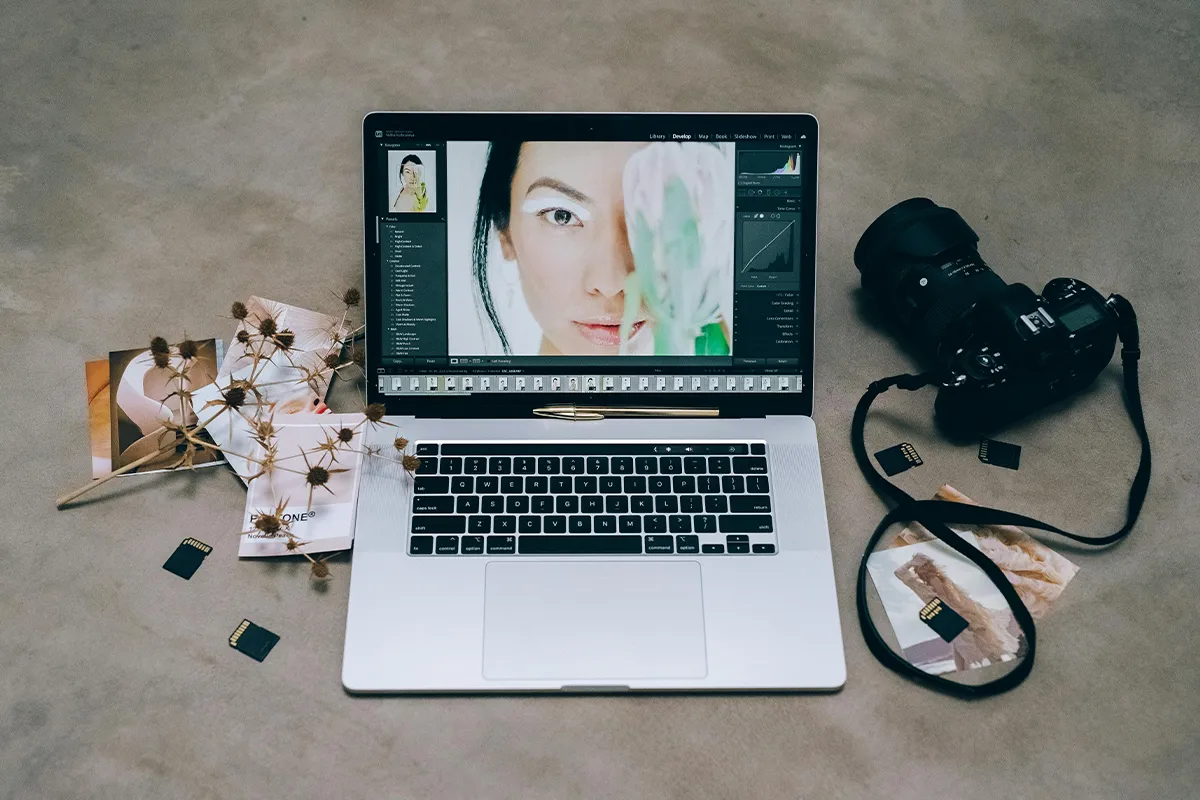
There is no doubt that AI has revolutionized the way we use technology. Before the AI was commercialized for the public to use at large, we used a bundle of paid tools. It took too much time, skills, and effort to edit one single image and get the desired results. Now the game has changed completely. These 7 ChatGPT photo editing trends beginners can try today will give you professional results. You do not need to be a professional with expert photo editing skills. All you have to do is know how to write a perfect prompt.
With the latest update for ChatGPT, it can now edit your images like a pro. We have carefully tested and crafted these 7 prompts that you can use to get images edited as professionals do. The photo editing prompts are ready to copy and paste. This is what you cannot get anywhere. It also lets you know why these prompts work with good results.
What You Need Before You Start
Before you try anything, check these three things. Many beginners skip this step. Then they get bad results and do not know why. These are very simple things to fix.
- Paid plan: The free ChatGPT plan cannot make images. You need a paid plan for this. If you open ChatGPT and do not see a place to upload a photo, this is the reason.
- Photo quality: Use a clear photo. If your photo is dark or not clear, the result will also be dark and not clear. A photo near a window with good light is good enough.
- Iteration mindset: Your first result will not always be perfect. Do not worry about this. Look at the result. Change one small thing. Try again. This is what everyone does.
After you check these three things, you are ready. It gets easier every time you try. Think of it like this. The more clearly you say what you want, the better the result will be.
Trend 1: Toy Figure Style (The Action Figure Trend)
The action figure trend ChatGPT photo fans love is very simple. You upload your photo. The AI turns you into a plastic toy with a box around it. This is one of the most popular trends on TikTok and Instagram right now in early 2026. The box makes the photo look like a real toy in a shop. People love to see themselves as a toy.
Ready-to-copy prompt: “Transform this photo into a 3D plastic action figure with retail box packaging. Include studio lighting, a plastic texture on the figure, and a printed product label on the box. Keep the face recognizable. Use a clean white background.”
Why this prompt works: When you write “retail packaging” and “plastic texture,” the AI knows exactly what to make. If you only write “make me a toy,” the AI does not know enough. The result will look different every time. More details in the prompt mean a better result.
Trend 2: Nostalgic Film Look (The 1990s Polaroid Trend)
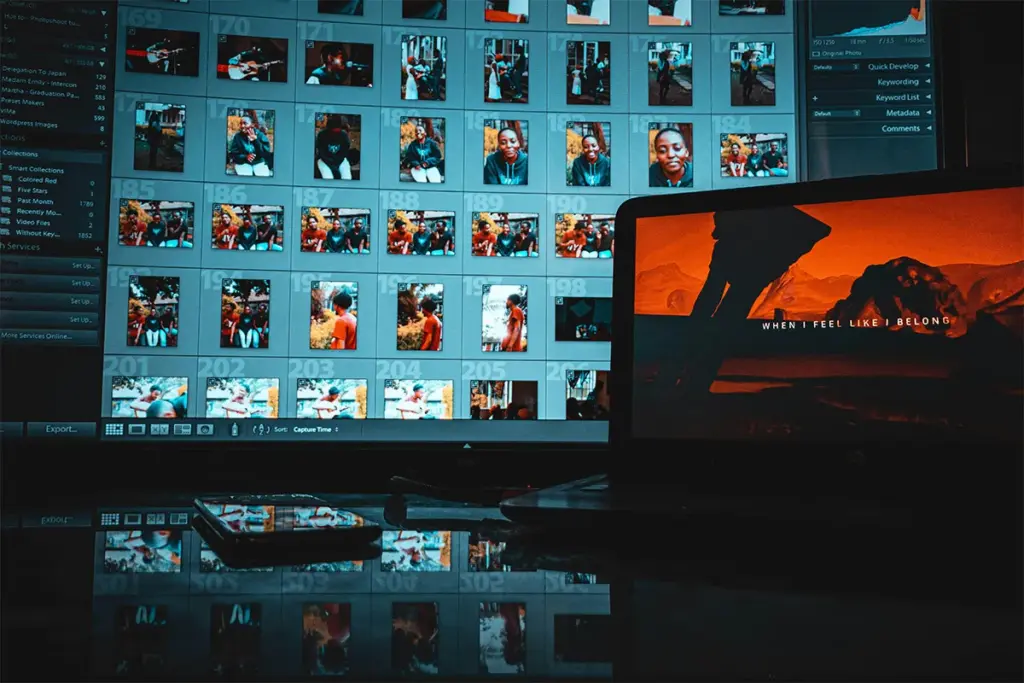
This trend makes your photo look old. The result looks like a photo from an old camera from the 1990s. It looks a little blurry at the edges. The colors look faded. Getting a good vintage photo effect ChatGPT result is not as simple as writing “make it look old.” People love to share old-looking photos because they feel warm, and they bring back good memories.
Ready-to-copy prompt: “Edit this photo to look like a 1990s Polaroid. Add visible film grain, a slight warm color shift, faded edges, and a soft light leak in the bottom right corner. Keep the subject clear in the center.”
Why this prompt works: You wrote “bottom right corner” for the light leak. This is important. If you just write “add a light leak,” the AI puts it in any place it wants. Sometimes it looks wrong. Writing the exact place makes the photo look more real.
Trend 3: Caricature from a Photo
Many people now use an AI caricature generator from photo uploads to make a funny cartoon. You upload a photo. The AI turns it into a cartoon where the face features look big and funny. People love to share these because the cartoon looks like it was made just for one person. Friends get tagged. A lot of comments come in.
Ready-to-copy prompt: “Turn this photo into a cartoon caricature. Exaggerate the most distinctive facial features slightly. Make it warm and friendly, not mean. The person loves coffee and is always smiling. Use bold, clean lines and a flat illustration style.”
Why this prompt works: You wrote small details like “loves coffee” and “always smiling.” These details help the AI make a better cartoon. Without these details, the cartoon looks like any person. With these details, it looks like the real person.
Trend 4: Historical Era Placement
A good historical era photo transformation AI result can look very real. This trend puts you into an old scene from history. Your clothes change. The light changes. The background changes. Everything changes together. This is why the result looks like you are really there and not like someone just put your face into an old picture.
Ready-to-copy prompt: “Place this person into a realistic scene from 1920s Paris. Dress them in period-accurate clothing. Match the lighting to the setting, warm and low. Use a busy cafe street as the background. Keep the face unchanged.”
Why this prompt works: You wrote the clothes, the light, and the place all in one prompt. This helps the AI make everything match. If you write these things one by one in different prompts, the result looks strange. The face looks like today, but the clothes look like a costume.
Trend 5: AI Collage and Mood Board
People who want to try an AI mood board creator from photo uploads will love this trend. The result looks like a page from an old scrapbook. It has torn paper edges and an old paper look. Many things are layered on top of each other. It looks like someone made it by hand. That is why people love to share it.
Ready-to-copy prompt: “Create a collage-style portrait using this photo. Layer it with crinkled paper edges, printed photo grain, a muted color palette of cream and rust, and small overlapping decorative elements. Make it look like a vintage scrapbook page.”
Why this prompt works: You wrote “crinkled paper edge” and “printed photo grain.” These words help the AI understand the texture you want. If you only write “collage style,” the result looks flat. It does not look like a real handmade scrapbook page.
Trend 6: Professional Headshot from a Casual Photo
The ability to convert a selfie to a professional headshot that AI tools give you is very useful, especially when using powerful ChatGPT prompts to guide lighting, background, and facial accuracy. You upload a simple selfie. The AI turns it into a clean photo that looks good on LinkedIn or a job application. Many people who are looking for jobs use this trend. It saves them money because they do not need a photographer.
Ready-to-copy prompt: “Convert this casual selfie into a professional headshot. Use soft studio lighting from the left side. Set a neutral gray background. Preserve my natural skin tone and do not change my actual smile or eye shape. Keep the final image clean and simple.”
Why this prompt works: You wrote, “Do not change my actual smile or eye shape.” This line is very important. Without it, the AI changes your face too much. The person in the result does not look like you. Always tell the AI what to keep and not only what to change.
Trend 7: Younger Self or Time Travel Portrait
Trying an AI younger self photo edit is something many people find very touching. You give the AI two photos. One photo of you now and one photo of you as a child. The AI makes one image that shows both of you in the same place at the same time. People share this a lot because it brings back old memories.
Ready-to-copy prompt: “Combine these two photos into one realistic scene. Show the current adult version and the childhood version of the same person standing together in a warm, softly lit outdoor park setting. Preserve both faces at their actual ages. Use consistent lighting across both figures.”
Why this prompt works: You wrote, “preserve both faces at their actual ages.” This stops a common problem. Without this line, the AI mixes your two faces into one face. The result looks confusing. It does not show what you wanted.
Quick Tips to Get Better Results Every Time
These tips work for all the trends in this post. Using just two or three of them will make your results much better. Getting a good result is not about having special skills. It is about doing small things the right way.
- Light your photo well: Use a window with natural light. Lights on the ceiling make dark shadows on your face. These shadows show up in the AI result too.
- Tell the AI what not to change: Tell the AI what to keep. This is just as important as telling it what to make. Simple words like “do not change my eye shape” stop the AI from making changes you do not want.
- Change one thing at a time: When the result is almost good but one small thing looks wrong, change only that one thing. If you change many things at once, you will not know what made it better.
- Save the prompts that work: When a prompt gives a good result, save it somewhere, just like how users test ideas quickly in free AI chatbots with no sign-up before refining their final prompt. You can use it again later with a different photo. You do not need to start again from zero.
Writing prompts get better with practice. These small habits help you get better faster. Start with one trend. Change small things. Build on what already works.
Quick Comparison: All 7 ChatGPT Photo Editing Trends at a Glance
| Trend | What It Does | Best For | Difficulty | Most Popular On |
|---|---|---|---|---|
| Action Figure | Turns your photo into a 3D plastic toy with box packaging | Fun personal content, gifts | Easy | TikTok, Instagram |
| 1990s Polaroid | Makes your photo look old with grain, faded colors, and soft edges | Nostalgic and warm content | Easy | Instagram, Pinterest |
| Caricature | Turns your photo into a funny cartoon with big features | Humor, friend tags, reactions | Easy | Facebook, Instagram |
| Historical Era | Places you into a real scene from history with matching clothes and light | Creative and unique portraits | Medium | Instagram, Reddit |
| AI Collage | Makes your photo look like a handmade scrapbook page | Aesthetic and mood-board content | Medium | Pinterest, Tumblr |
| Professional Headshot | Turns a casual selfie into a clean, polished headshot | LinkedIn, job applications, portfolios | Easy | |
| Younger Self Portrait | Combines your current photo and a childhood photo into one scene | Emotional and personal sharing | Medium | Facebook, Instagram |
Conclusion
Before 2026, editing photos needed special skills and paid software. Most people could not do it. Now things are very different. You do not need any skills. You just need to say clearly what you want. ChatGPT image editing in 2026 is not about being creative or technical. It is about going from an idea in your head to a finished photo on your screen in a very short time. Every trend in this post works in this same simple way. You write what you want. The AI makes it.
Research has shown that how clearly you write your prompt matters just as much as the AI tool itself. The best way to start is to pick one trend from this post. Copy the prompt exactly as it is written. Look at what comes out. Is something not right? Change one word and try again. Doing this a few times will teach you a lot. You do not need experience. You do not need technical knowledge. You just need to say what you want in a simple and clear way. Every prompt in this post gives you a very easy place to start.
Haroon writes about AI chat tools and voice assistants. He covers how to get the most out of AI apps in your daily life.